COMMUNITYFREE FOREVER
0 USDT
For testing OdinOS and running a small personal setup.
- 2 worker seats
- Self-hosted controller
- Any miner package
- No licence required
 Get Community ↗
FLEXIBLE UPDATE PLANS
Your controller and farm stay on your infrastructure. Choose annual update access or pay once for lifetime OdinOS updates.
Pay for 12 months of signed releases. If you do not renew, your installed version and farm continue to run.
For testing OdinOS and running a small personal setup.
For home labs and compact CPU farms.
For established farms that need room to grow.
For larger operations managed from one control plane.
Annual access can be renewed for new releases. The higher lifetime price requires no renewal and includes signed OdinOS updates for the commercial lifetime of the product.
PAY WITH USDT
Standard plan payments are accepted in USDT on Binance Smart Chain (BSC/BEP20). Every licence is bound to the Controller key generated by your own OdinOS installation.
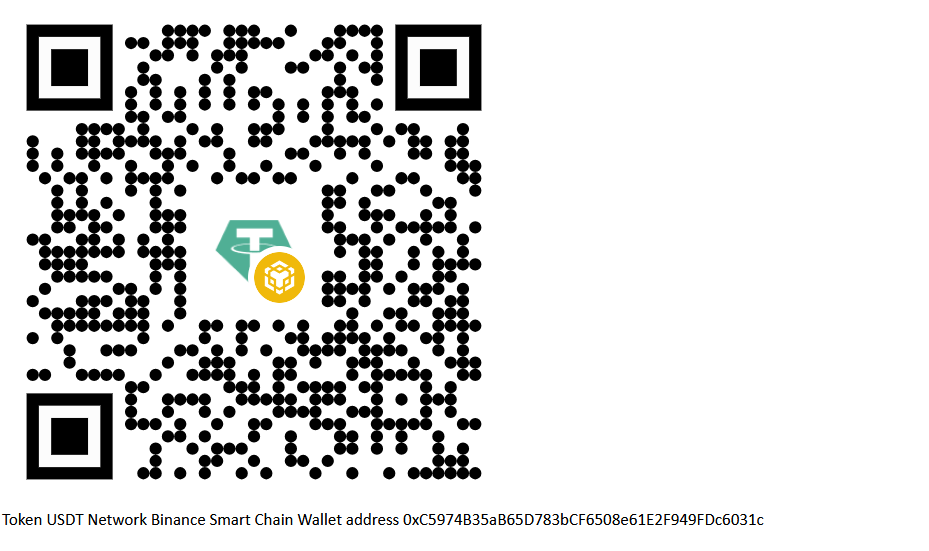
Send USDT only through Binance Smart Chain (BSC/BEP20). Do not use ERC20, TRC20 or another network — funds sent on the wrong network may be lost.
0xC5974B35aB65D783bCF6508e61E2F949FDc6031c
Alternative assets will be handled through the official OdinOS Discord purchase channel after it launches. Never send another asset or use another network for this address.
Select Farm 10, Farm 50 or Fleet 100, then choose annual or lifetime updates.
Open Settings → Subscription and updates in your dashboard and copy the generated public Controller key.
Use the private purchase channel provided by OdinOS. The official Discord purchase channel will be published here when it opens.
After your request is confirmed, send the exact plan amount using Binance Smart Chain (BSC/BEP20) only and provide the transaction hash in the same private channel.
After the payment is verified, the subscription activation key is returned through the same private channel. Paste it into the Settings page.
Renewing updates? Your existing activation key remains valid. After renewal payment is confirmed, update access is extended; a new key is required only if the Controller key changes or the licence is manually rotated.